

ChatGPT Images 2.5: The Image Revolution Is All About Local Editing and Sketching
Written by Gab
Contents
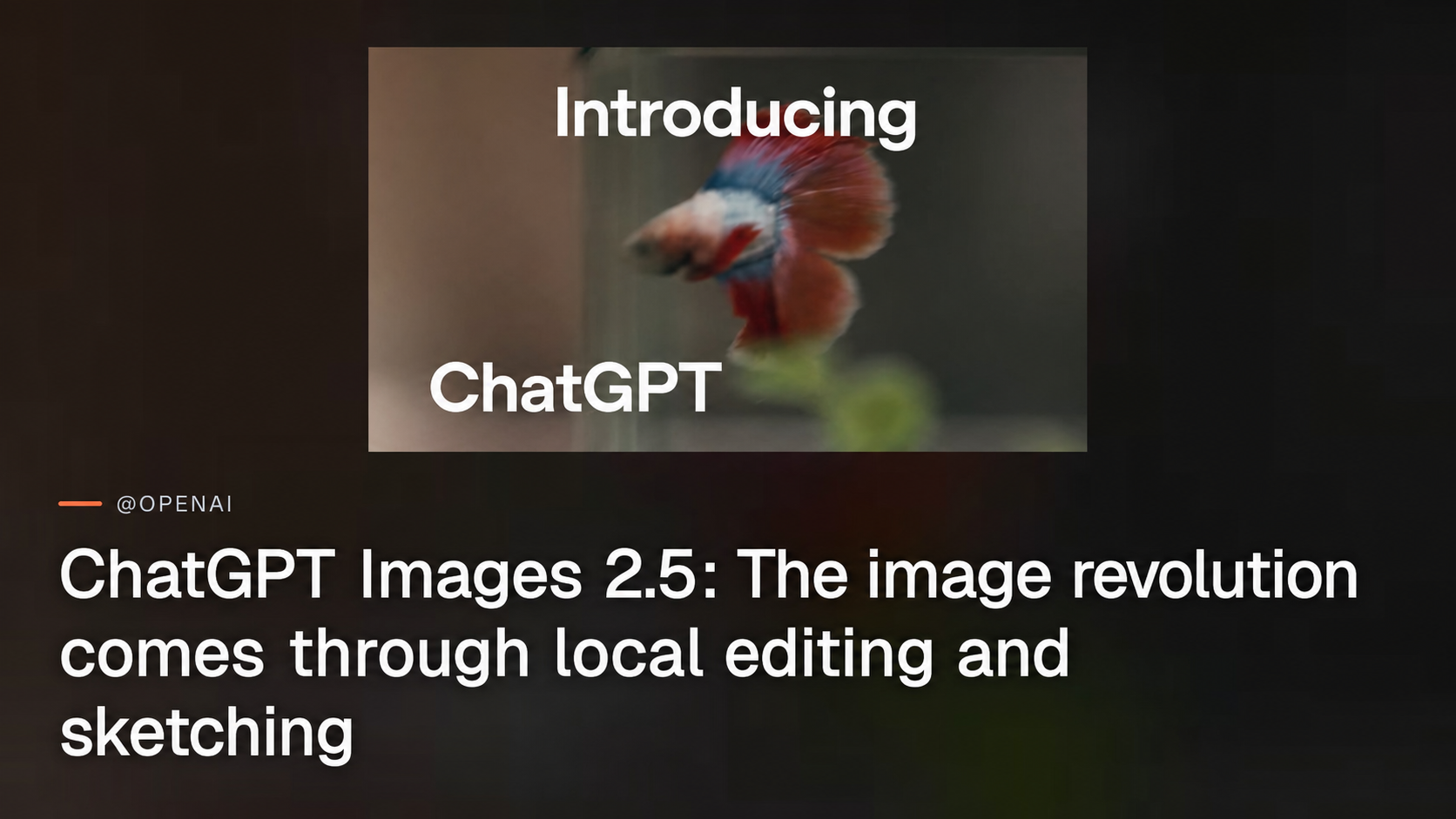
ChatGPT Images 2.5 is not presented as a simple aesthetic upgrade. In a thread published on September 8, 2026, OpenAI unfolds the announcement across three posts: the model and its four promises, the Sketch feature, and then format templates. The first post surpassed 1.8 million views and 13,700 likes in the hours after it was published.
The model’s four promises are faster generation, better visual fidelity, preservation of details across multiple edits, and changes made through targeted comments. Speed is the easiest selling point. But for creative, product, and marketing teams, the most interesting change lies elsewhere: OpenAI wants to turn OpenAI image generation into an iterative editing tool driven by both natural language and drawing. The goal is no longer simply to produce a compelling image, but to correct a specific element without reinventing the entire scene.
Post 1, ChatGPT Images 2.5
https://x.com/OpenAI/status/2097394956457623964
In this first post, OpenAI summarizes ChatGPT Images 2.5 around four key areas:
- faster image generation;
- improved fidelity for more natural and recognizable images;
- consistent details after multiple edits;
- comment-based edits that change only the requested element.
The central promise is preserving the image during editing, not merely improving visual quality.
Four promises, but not all equally important
The promise of speed addresses a straightforward expectation. In a creative workflow, receiving an image faster makes it possible to run more iterations and respond to a client request without interrupting the discussion. However, OpenAI’s thread provides no average generation time, methodological comparison, or performance metric.
The same caution applies to fidelity. OpenAI describes images as more “natural” and “recognizable.” This wording primarily refers to a rendering promise: less artificial lighting, more consistent textures, and clearer representation of reference objects or people. The post provides no benchmark, success rate, or quantified example of facial fidelity or prompt adherence.
This lack of metrics does not make the announcement uninteresting. It simply limits the conclusions that can be drawn from it. ChatGPT Images 2.5 announces a product improvement, not an independent demonstration of performance.
The real long-standing problem: every edit can break everything else
The most substantial point is the promise of consistent details across multiple changes. This is one of the costliest shortcomings of image generation models. Asking to move an object or adjust a face often results in a broader regeneration than intended.
The outcome is familiar to professionals:
- a character loses their distinctive features;
- a brand or logo changes slightly;
- the lighting, shadows, or background are reinterpreted;
- a product’s proportions shift;
- the initially approved composition becomes unbalanced.
For occasional use, these discrepancies may be acceptable. In a campaign, a product mockup, or a series of e-commerce visuals, they quickly become an obstacle. Each local correction then triggers a new quality-control phase, or even the need to restart the prompt from scratch.
This is why AI image consistency is more ambitious than a simple improvement in photorealism. It aims to preserve the continuity of the asset across versions. The quality of an image is no longer measured solely by its initial output, but by its ability to withstand a series of successive requests.
From global prompts to comment-based image editing
OpenAI also introduces “comment-based edits,” meaning comment-based image editing. The term matters because it suggests a change in the mode of interaction.
In the traditional model, the user writes a complete prompt and then rewrites it for every change. Even when an image is used as a reference, the instruction often remains broad: “recreate the scene with a red mug,” “keep the character but change the setting.” The AI must then determine for itself what should remain intact and what can be reinterpreted.
Comment-based editing aims for an approach closer to retouching:
- the existing image becomes the working document;
- a specific area is targeted;
- the user indicates what they want to modify;
- the model is expected to preserve the unaffected elements.
The potential benefit lies in moving from regeneration to localized correction.
This is a significant development for design professionals. It brings the model closer to a workflow based on layers, masks, or selective retouching. Language becomes an editing command, not merely a generation instruction.
Why maintaining this consistency is technically difficult
Understanding why this problem has persisted for so long helps assess the promise. A diffusion model does not store an image as an assembly of manipulable objects. It operates in a latent space, a compressed representation in which visual content is not divided into named, independent elements.
Three mechanisms explain the drift observed with each edit.
The first is re-encoding. To edit an existing image, the model runs it back through its encoder and then reconstructs an output. This round trip is never perfectly neutral: microtextures, grain, and fine edges are reinterpreted. Repeat the process ten times, and the differences accumulate, like a photocopy of a photocopy.
The second is the global attention field. Modern diffusion architectures allow every region of an image to interact with all the others. This is what produces scenes with consistent lighting and perspective, but it also causes a local instruction to propagate. Changing an object's color alters the surrounding reflections, which in turn changes the lighting balance and therefore the background.
The third is the lack of persistent identity. The model does not know that a face is the same face from one version to the next. It reproduces a distribution of plausible features. There is no guarantee that it will recreate exactly the same ones.
The standard technical solution to this problem is masked inpainting: pixels outside the target area are frozen, and only the area inside the mask is regenerated. It is effective, but has two known limitations. Seams along the edge of the mask remain visible when the lighting or texture differs. And because the model cannot modify the frozen context, it sometimes produces content that is locally correct but inconsistent with the scene.
A promise of consistency across edits therefore requires achieving both goals: preserving what already exists while retaining enough context for the edit to blend in. It is a trade-off, not a switch, and this is precisely where real-world reliability will be determined.
This promise still needs to be tested in difficult situations: a character appearing in multiple images, a series of products shown from different angles, strict brand guidelines, or a visual containing text. The post does not claim perfect consistency, either. It announces an improvement without specifying the conditions or success rate.
Post 2, Sketch in ChatGPT
 The Sketch demonstration presented by OpenAI in the thread's second post.
https://x.com/OpenAI/status/2097394958516781301
The rest of the thread introduces Sketch ChatGPT. OpenAI explains that some ideas are easier to draw than to describe, then invites users to draw directly in ChatGPT and invoke the tool with “@ Sketch.”
Sketch does not replace natural language: it adds a level of spatial precision that text struggles to encode.
Why sketching addresses a limitation of prompting
Text can describe an intent. It is far less effective at describing a precise position, a shape, an area to edit, or a geometric relationship between several elements.
Consider some ordinary requests that are difficult to phrase unambiguously:
- move an object a few visual centimeters to the right;
- modify only one petal on a complex flower;
- lengthen a shadow without changing the subject;
- indicate which product, among several, should change color;
- reposition a logo without disrupting the layout;
- draw the exact location of an element to be added.
In these cases, the user can write an extremely detailed prompt. However, it is still subject to the model's interpretation. An arrow, circle, or hatched area reduces ambiguity. The drawing provides placement information, while the text conveys the intent.
This is the core of the proposition: language is used to explain what to do, while the sketch specifies where and how to intervene.
The sketch also solves an encoding problem
There is a deeper reason for this complementarity. A text instruction passes through a text encoder that projects it into a semantic space. This projection captures concepts well, but coordinates poorly. “To the left of the vase, set slightly back” becomes a vector of meaning, not a position.
A sketch, on the other hand, enters the model through the same channel as the image: a grid of pixels in which each area corresponds to an area of the output. The spatial correspondence is direct, without passing through the bottleneck of language. This is why a rough scribble can outperform a carefully written paragraph when identifying a region.
A choice of interface as much as of model
The implicit positioning is that of a creative environment integrated into the conversational interface. Users would no longer need to switch from an image generator to an editor, then to a messaging app to explain corrections to a colleague.
The workflow could become:
- generate an initial concept;
- comment on the elements that need correction;
- visually annotate an area;
- invoke @ Sketch;
- request a retouch;
- iterate while preserving previous choices.
This integration is strategic. The image model becomes less of a standalone tool and more of a feature embedded in a production conversation. For OpenAI, the differentiator is therefore not only the quality of the final output, but also the accessibility of the correction process.
Post 3, format templates
https://x.com/OpenAI/status/2097394960366456951
The final message in the thread is the most understated, and probably the most revealing in terms of positioning. In it, OpenAI announces templates for popular formats, such as posters or merch, to which users can then add their message, design elements, or style.
A template solves neither rendering nor placement: it solves the framework.
This is a third category of problem, distinct from the previous two. A poster has expected dimensions, margins, a reading hierarchy, a title area, and printing constraints. Merch has printable areas and contrast limitations. These are professional conventions that non-designers do not know how to articulate, often because they do not even know they exist. No prompt will make them appear, and neither will a sketch.
Taken together, the thread therefore covers three levels of assistance:
- the model handles rendering;
- the sketch handles placement;
- the template handles the framework.
This also represents a fairly clear expansion of the target audience. The first two posts speak to people who already know what they want to achieve. The third speaks to those who do not know where to begin. The thread does not specify how many templates exist, which ones are available, or whether they can be customized beyond their content.
What this implies
Compared with other image models, OpenAI is focusing less on promising a purely aesthetic revolution than on offering a more controllable workflow. The competition is not only about the beauty of the first image. It is about the ability to turn that image into a usable deliverable after ten or twenty corrections.
For professionals, the value of ChatGPT Images 2.5 will depend on the stability of its iterations, not only on the speed of the first result.
What design and product teams stand to gain
If these promises hold up in real-world use cases, several workflows could become smoother:
- Marketing: create variations of a campaign visual without altering the approved product, logo, or framing.
- E-commerce: locally change a color, accessory, or setting while preserving the product presentation.
- UX and product: quickly produce illustrations and mockups, then correct a specific element based on feedback.
- Publishing: adjust the composition of a visual without restarting the entire generation process.
- Character creation: maintain consistent attributes across multiple adjustments to expression, clothing, or setting.
- Art direction: replace long, imprecise instructions with a visual annotation paired with a text request.
Speed reduces waiting time. Fidelity can increase perceived quality. But the ability to preserve details primarily reduces the hidden cost of iteration. In a professional environment, this cost often determines whether an AI tool truly becomes part of the workflow or remains limited to exploration.
Open Questions Left by the Thread
The announcement remains very incomplete regarding the practical conditions for adoption. The thread does not specify:
- which subscription plans will provide access to ChatGPT Images 2.5;
- whether Sketch ChatGPT is available to everyone or restricted to certain tiers;
- whether these features will be offered via an API;
- what the pricing, quotas, or generation limits will be;
- under what circumstances characters and compositions will actually be preserved after multiple edits;
- whether benchmarks will measure the claimed improvements in fidelity and consistency;
- how moderation blocks on requests deemed legitimate will be handled.
This last point matters to organizations. An editing feature may be technically powerful yet remain difficult to integrate into a production process if moderation rules block requests without providing an actionable explanation. Users continue to report slow performance and overly aggressive moderation. The thread provides neither an official response nor a detailed policy on this issue.
Key Takeaways
ChatGPT Images 2.5 should not be viewed solely as a faster or more photorealistic model. Its most significant bet is controlled editing: modifying one area, preserving the rest, and then repeating the process without destabilizing the original asset.
The Sketch ChatGPT features and templates logically complement this ambition. Text conveys the intent, the sketch pinpoints the location, and the template provides the framework. Together, they offer a form of conversational editing that is closer to an interactive creative tool than a single-use image generator.
However, the thread leaves the key questions unanswered: availability, API access, pricing, quotas, moderation, and the actual level of reliability after multiple edits. The promise is compelling on paper. It will need to be tested on complex scenes, brand constraints, and workflows where consistency is not a bonus, but a requirement.